Threaded discussions in your terminal and browser
SuperChat brings forum-style threaded conversations to the command line and beyond. Connect anonymously or register an account - just download and go.
Features
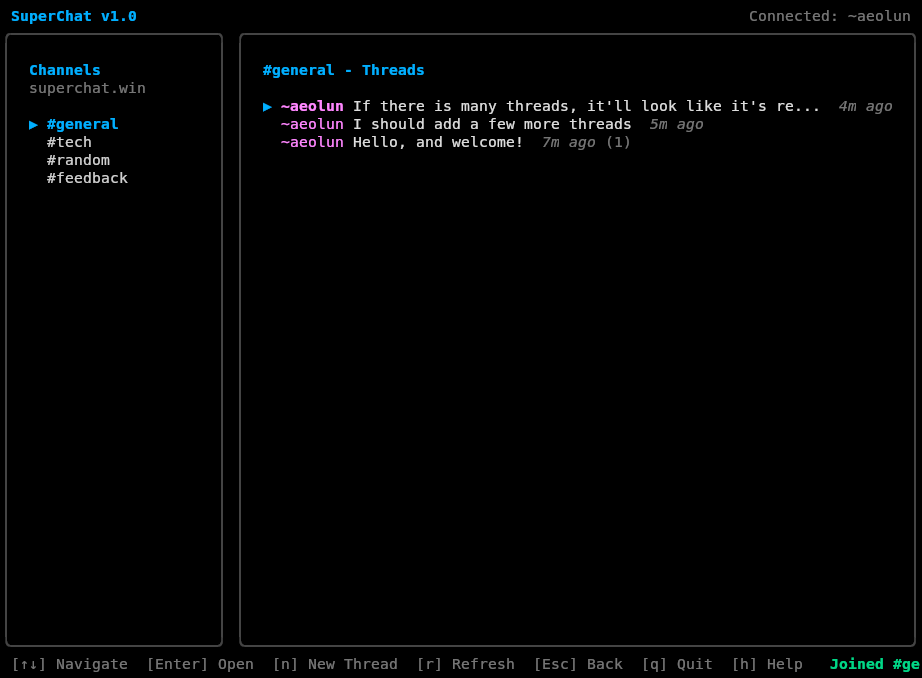
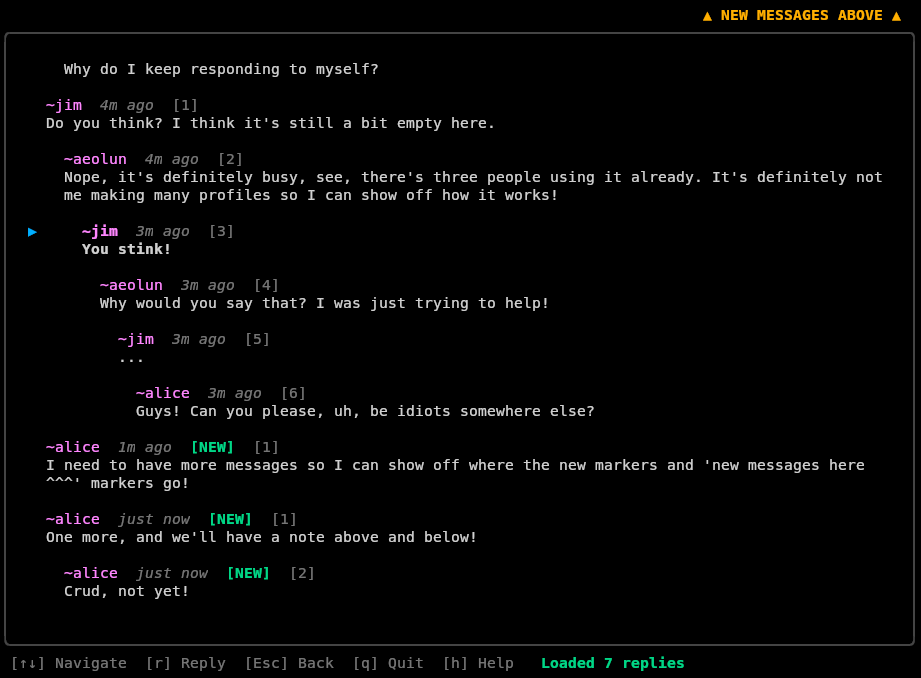
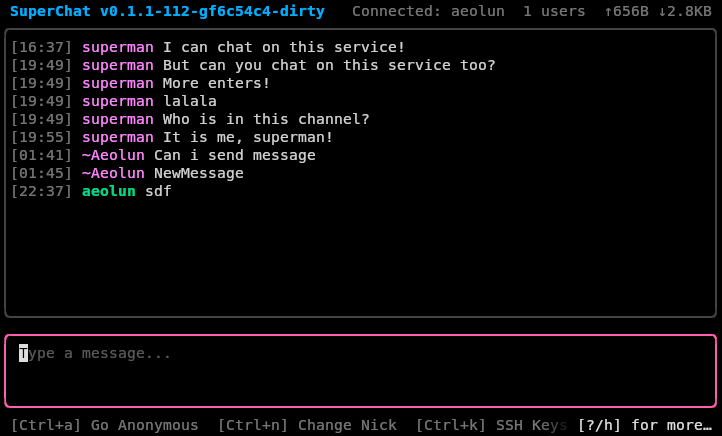
- Terminal UI - Beautiful keyboard-driven interface built with Bubble Tea
- Desktop Client - Native desktop app built with Wails and SolidJS
- Web Client - Try SuperChat directly in your browser with WebSocket support
- Flexible Channel Types - Forum-style threaded discussions with nested replies, or linear chat channels for quick conversations
- Subchannels - Two-level channel hierarchy for organizing discussions within a channel
- Direct Messages - Private conversations between users with optional end-to-end encryption
- End-to-End Encryption - X25519 key exchange for encrypted DMs, with per-conversation encryption preferences
- Anonymous or Registered - No registration needed to start chatting, but register for persistent identity and SSH key authentication
- User-Created Channels - Registered users can create and manage their own channels and subchannels
- Message Editing - Edit your messages after posting, with full version history
- Real-time Updates - See new messages as they arrive
- Vim-like Navigation - j/k to navigate, Enter to select, Esc to go back, / or : for command mode
- Multiple Connection Types - Connect over plain TCP, SSH (with auto-registration), or WebSocket (HTTP/HTTPS)
- Message Compression - LZ4 compression for efficient bandwidth usage, transparent and automatic
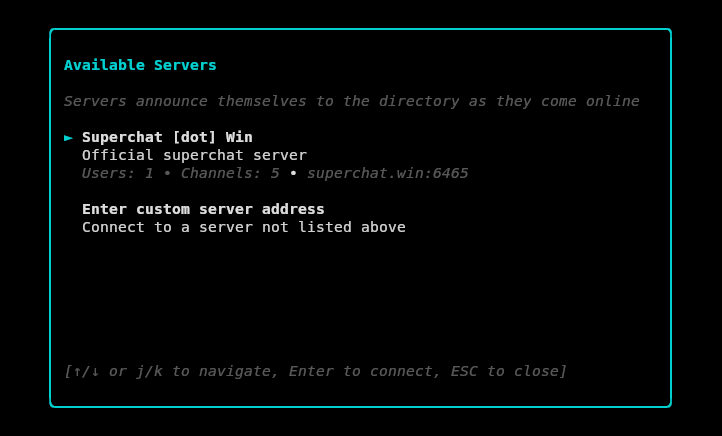
- Decentralized Server Discovery - Servers automatically advertise themselves to each other, using superchat.win as a bootstrap node
Download
Get the latest release for your platform:
Loading download links...
Quick Start
One-line installer (Linux/macOS/FreeBSD):
# Install to ~/.local/bin (user install, no sudo required)
curl -fsSL https://raw.githubusercontent.com/aeolun/superchat/main/install.sh | sh

# Or install to /usr/bin (system-wide, requires sudo)
curl -fsSL https://raw.githubusercontent.com/aeolun/superchat/main/install.sh | sudo sh -s -- --global
This installs sc (client) and scd (server)
Usage:
# Connect to the default server (superchat.win)
sc

# Or specify a different server (sc:// protocol, default port 6465)
sc --server sc://yourserver.com

# Or connect over SSH (defaults to port 6466)
# SSH connection automatically signs you in and registers your SSH key
sc --server ssh://user@yourserver.com

# Or run your own server
scd --port 6465
Documentation
Read the full documentation for deployment guides, protocol specification, configuration reference, and security best practices.
Open Source
SuperChat is open source and available on GitHub. Contributions welcome!